The check-engine light comes on
With the car parked, read the code and save the report. Use it as a starting point to understand the fault and arrange the next checks.
Understand the warning light →OBD2 diagnostics · iOS & Android
Install OBDPhone® in minutes, understand check-engine warnings and get a clearer first diagnostic on your phone.
Engine and emissions diagnostics. Available functions depend on the vehicle: check compatibility before buying.
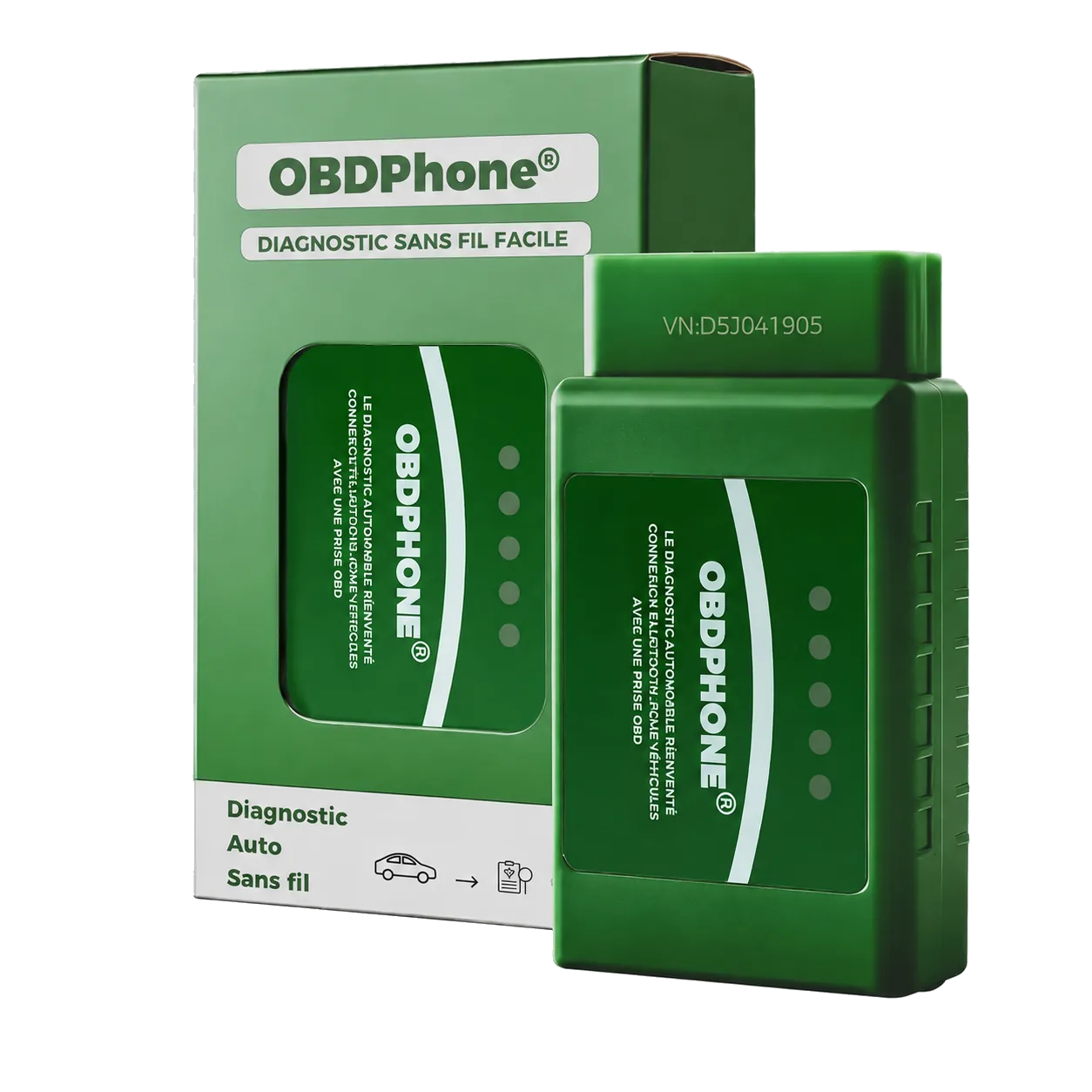
OBDPhone®
Three everyday uses with a clear next step.
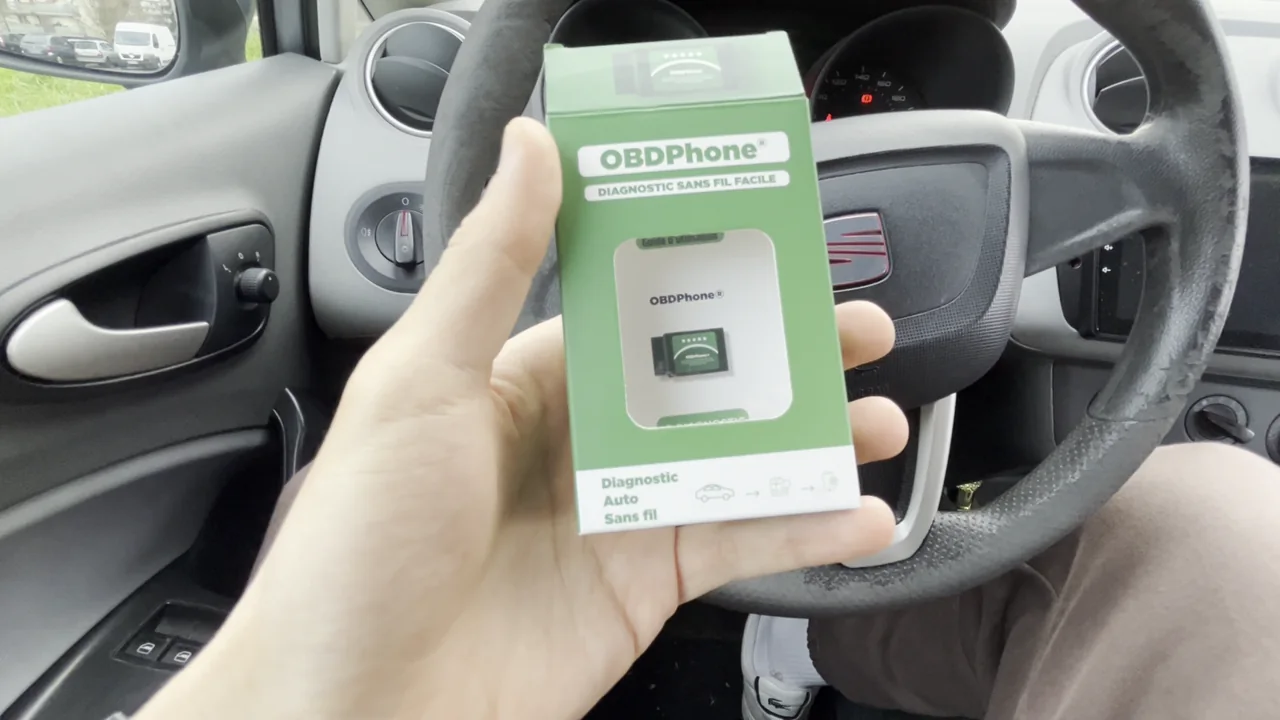 ▶ See OBDPhone® inside a car
With the car parked, read the code and save the report. Use it as a starting point to understand the fault and arrange the next checks.
Understand the warning light →Write down codes, symptoms and when they appeared. Share them with the technician to describe exactly what you noticed.
Prepare a diagnosis →With the vehicle stationary, view engine speed, temperature and other supported Car Scanner readings. After repair, clear codes and watch for their return.
Follow the user guide →Get started
Choose your next step and follow a clear path.
Free check
Choose your model, year and engine. See the result and the engine functions concerned.
Getting started
Port, app and Bluetooth connection explained step by step.
Customer benefit
Register your OBDPhone® and request the commercial warranty extension.
OBDPhone® · Car ScannerAvailable on Amazon.fr
Order the official OBDPhone® adapter on Amazon through a familiar and secure checkout experience.
OBD2 advice
Practical answers for warning lights, fault codes and compatibility.
See all advice →Choose your model, year and engine. See the result and the engine functions concerned.
See all advice →Installation · 6 minThe common locations and a safe connection method.
See all advice →Compatibility · 9 minThe differences that genuinely affect compatibility.
See all advice →“Vehicle technology should never feel complicated.”
Our promise is clear information that helps you understand your vehicle.