Find the OBD2 port
Look beneath the steering wheel, around the fuse cover or near the centre console.
- Identify the 16-pin trapezoidal connector.
- Do not remove screwed panels or force a cover.
Complete user guide
From finding the OBD2 port to saving a fault code, follow a clear and safe installation path.
Park safelyHandbrake applied
Use your phoneiOS or Android
Allow a few minutesNo tools required
Before you start
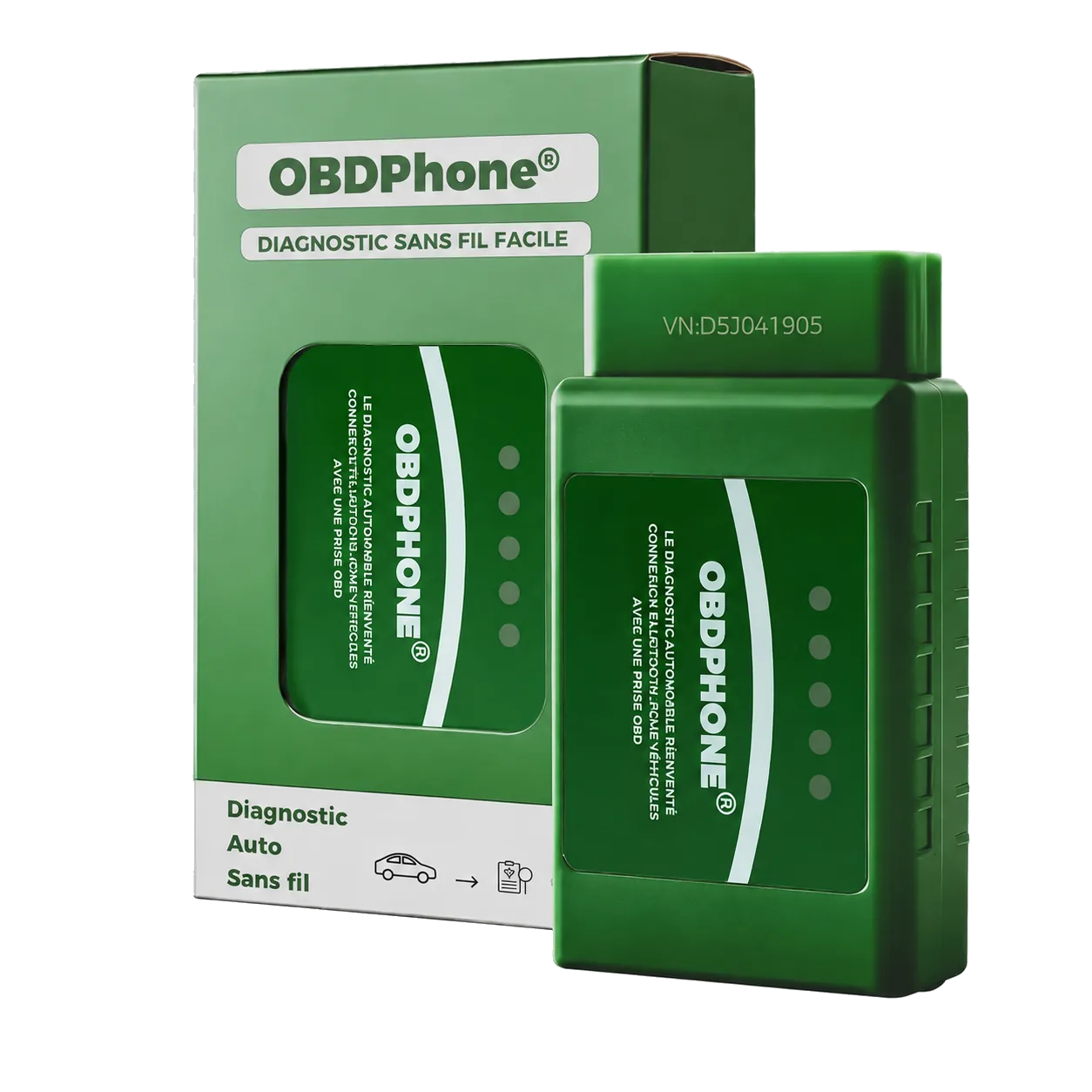
OBDPhone® covers generic engine and emissions diagnostics.
Airbag, ABS, coding and manufacturer functions are not guaranteed.
Always save fault codes before clearing them.
Installation
Complete them in order for a reliable first connection.
Look beneath the steering wheel, around the fuse cover or near the centre console.
Download the official app from the App Store or Google Play.
Switch the ignition off, align the connector and insert it straight without force.
Turn the ignition on or start the engine if the app requires live data.
Choose Bluetooth LE and the OBDPhone® adapter from Car Scanner settings.
Run the engine scan and capture every code before considering an erase.
Stop safely if the engine light flashes or the vehicle loses power, smokes or makes an abnormal noise. Refer to the vehicle manual or a qualified professional.
Check power, Bluetooth permission and the adapter type selected inside the app.
Confirm vehicle compatibility, ignition status and the connection profile.
Save the code and its context first. Clearing does not repair the cause.