The check-engine light comes on
With the car parked, read the code and save the report. Use it as a starting point to understand the fault and arrange the next checks.
Understand the warning light →OBDPhone® · Car Scanner
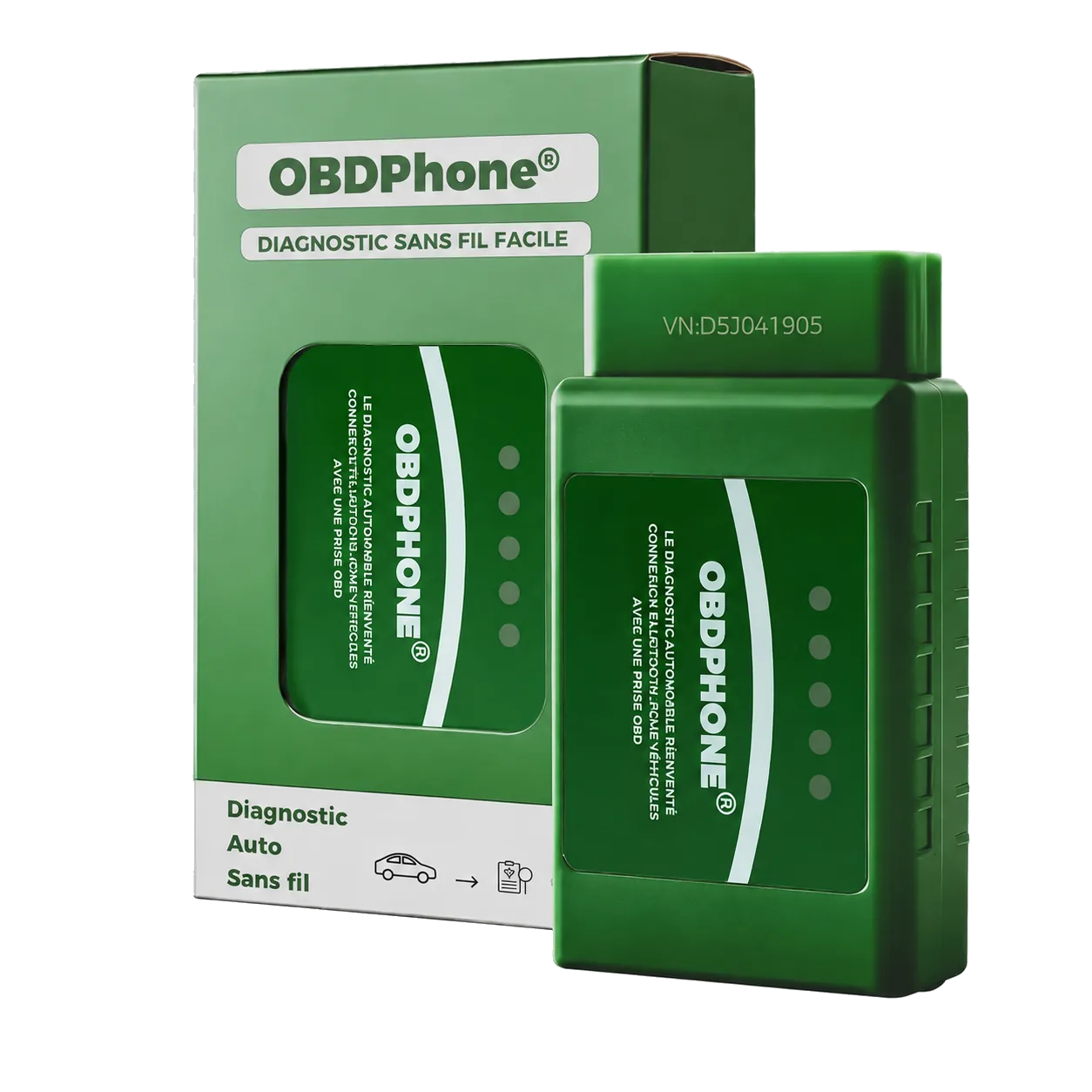
Check-engine light on? Plug in OBDPhone®, open Car Scanner and read generic engine and emissions fault codes. View the engine data available on your vehicle and clear codes after repair.
Engine and emissions diagnostics. Available functions depend on the vehicle: check compatibility before buying.
Real-world demonstration
See OBDPhone® being plugged in, connected to Car Scanner and used to read engine information in a real vehicle.
OBDPhone®
Three everyday uses with a clear next step.
With the car parked, read the code and save the report. Use it as a starting point to understand the fault and arrange the next checks.
Understand the warning light →Write down codes, symptoms and when they appeared. Share them with the technician to describe exactly what you noticed.
Prepare a diagnosis →With the vehicle stationary, view engine speed, temperature and other supported Car Scanner readings. After repair, clear codes and watch for their return.
Follow the user guide →The essentials, done well
Identify generic engine and emissions fault codes and save them before taking action.
See live values exposed by the vehicle, such as RPM or temperature, depending on the model.
Clear a code once the cause has been addressed, then monitor whether it returns.
A clear promise
Intended functions, depending on vehicle
Getting started
Insert OBDPhone® into the OBD2 port with the ignition off and without obstructing the pedals.
Open Car Scanner, allow Bluetooth and select the adapter inside the app.
Read and save codes, then use our guides to decide what to do next.
Recommended app
The OBDPhone® manual documents Car Scanner ELM OBD2. Available data varies by vehicle.
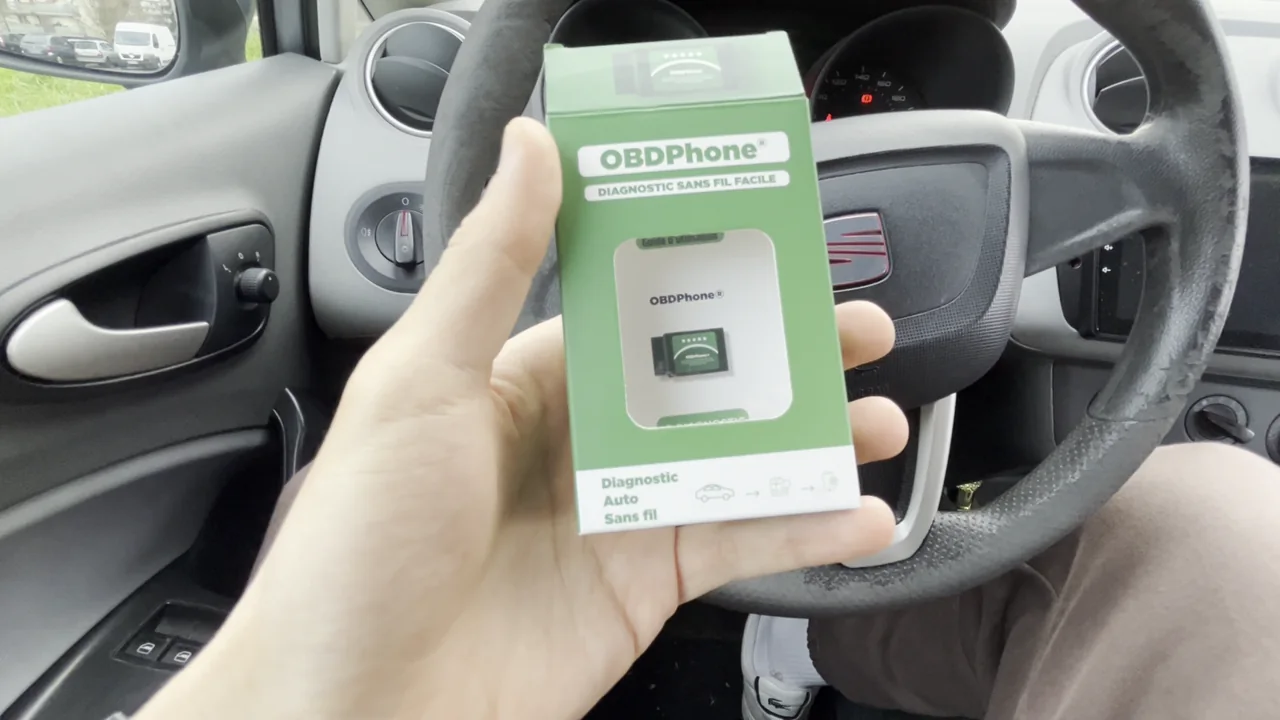 Play the demonstration →
Buy with confidence
Select the model, year and engine to see compatibility information. Need help with the result? Contact our support team before choosing.
FAQ
Select the model, year and engine to see compatibility information. Need help with the result? Contact our support team before choosing.
The manual recommends Car Scanner ELM OBD2 on iOS and Android.
These specialist manufacturer systems are not guaranteed. OBDPhone® focuses on generic engine and emissions diagnostics.
No. Save the information and clear only after repair or a justified check.
Get a documented answer before buying, then order on Amazon.fr.